Multi-tenancy by construction, Part 10: API keys belong to service accounts, not people
Machine access for a multi-tenant product: tenant-owned service accounts, API keys that survive staff leaving, a key format secret scanners can find, and why the key decides the tenant.
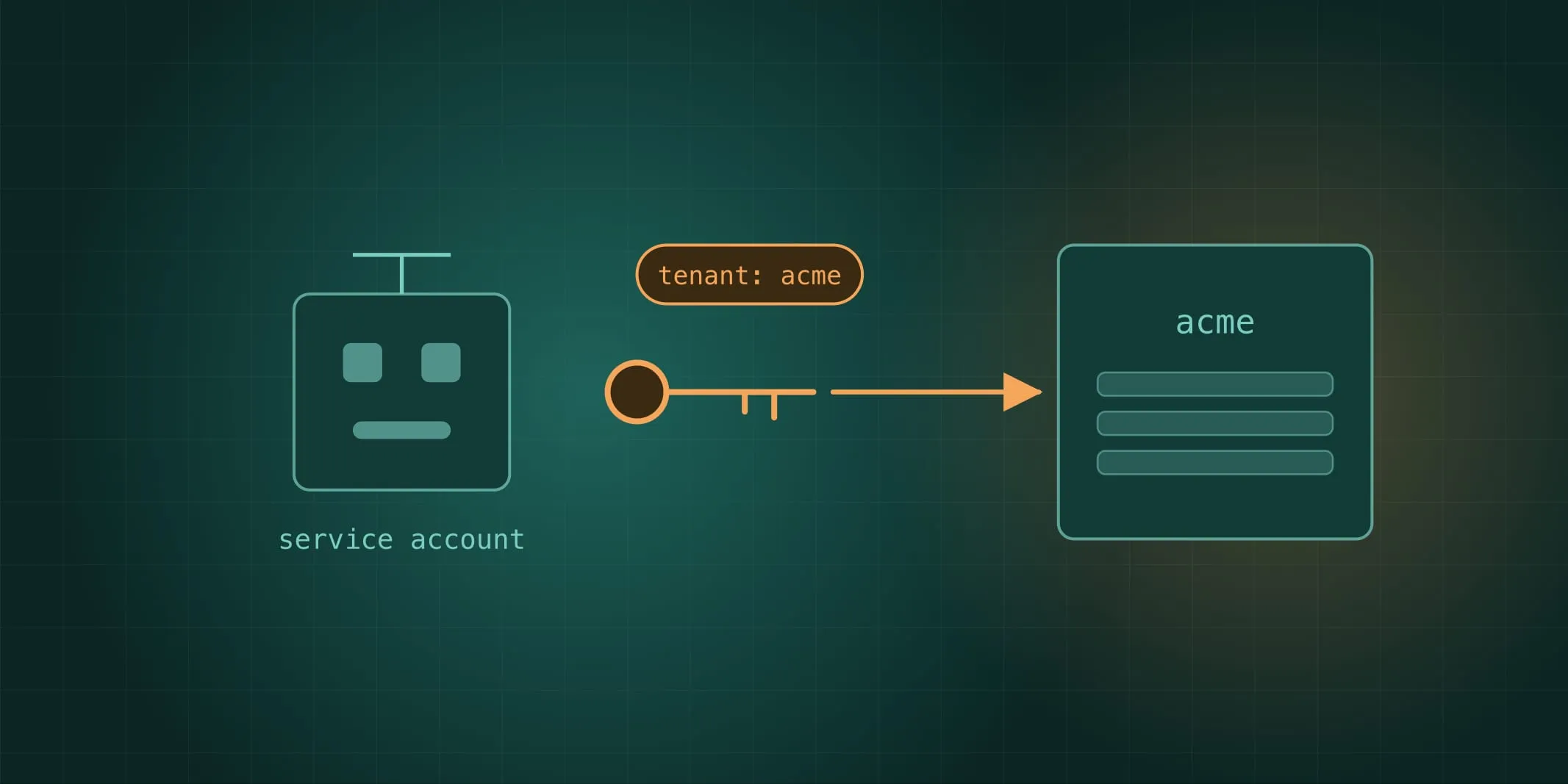
Everything so far assumed a person behind a browser: an access token from the identity provider and a tenant from the URL. Every B2B customer also integrates by machine. Scripts, CI pipelines, a data warehouse, an iPaaS tool. They have no browser, no BFF, and no person.
The common answer is “personal API tokens”. They work until the person who created them leaves, and the customer’s nightly export breaks. They also carry every permission that person has, which for the owner who set up the integration is everything.
Service accounts are tenant-owned principals
A service account belongs to a tenant, has a name, and is assigned roles exactly as members are. It isn’t a user: it can’t sign in interactively and doesn’t count as a seat.
It also has a hard ceiling. A service account can never hold owner, or any permission over members, roles, SSO,
domains, support access or tenant deletion. However a key is leaked, it can’t be used to take over the tenant,
invite an attacker in, or change who can sign in.
API keys belong to the service account
Keys are created under a service account, so they outlive the person who made them. The format is
mtb_<env>_<keyId>_<secret>with a random 256-bit secret, shown once. The store keeps the keyId and a SHA-256 of the secret. The secret has
enough entropy that a fast hash is fine, and there’s no password-stretching cost on every request. The fixed prefix
is deliberate: it lets GitHub secret scanning, gitleaks and the like recognise a leaked key.
Every key has an expiry (90 days by default, one year at most), a last_used_at, optional scopes that narrow the
service account’s permissions further, and its own rate limit. Plans cap how many keys a tenant can have. Creating,
rotating and revoking a key are security audit events.
The key decides the tenant
A key is bound to one tenant, so a request authenticated with a key needs no X-Tenant-Id. If the header is present
and doesn’t match the key’s tenant, the request gets 400. There’s no way to use a key from tenant A to make a
request that’s “about” tenant B, even by accident.
Inside the service, a handler sees an ordinary request context with actor.type = service_account. It doesn’t
know, and doesn’t need to know, whether a person or a key called it. One context model, one set of handlers, one
set of RLS policies.
Verification and revocation
The library accepts either an identity-provider token or an API key. Keys are checked against the control plane and cached for 30 seconds, the same path memberships take (Part 5). Revoking a key publishes an event that drops it from every cache, so a revoked key stops working within seconds, not when a TTL happens to expire.
In the test harness
The cross-tenant harness (Part 11) includes a service-account caller with
keys from both test tenants. A key for tenant A sent with X-Tenant-Id: B must get 400. A key for A, used against
every operation with ids harvested from B, must never return B’s data or change it.
What’s deliberately left out
Personal access tokens, OAuth apps for third-party integrations, and delegated access for AI agents acting on a
person’s behalf are all plausible later. The audit record already reserves actor.type = agent and an onBehalfOf
field, so adding them won’t change the shape of anything already stored. But they’re not built, and won’t be until
a customer needs them.