What falling behind on Kubernetes upgrades actually costs
The line on your AWS bill that appears when a cluster goes out of standard support, what it adds up to across a few clusters, and the cheaper way to never pay it.
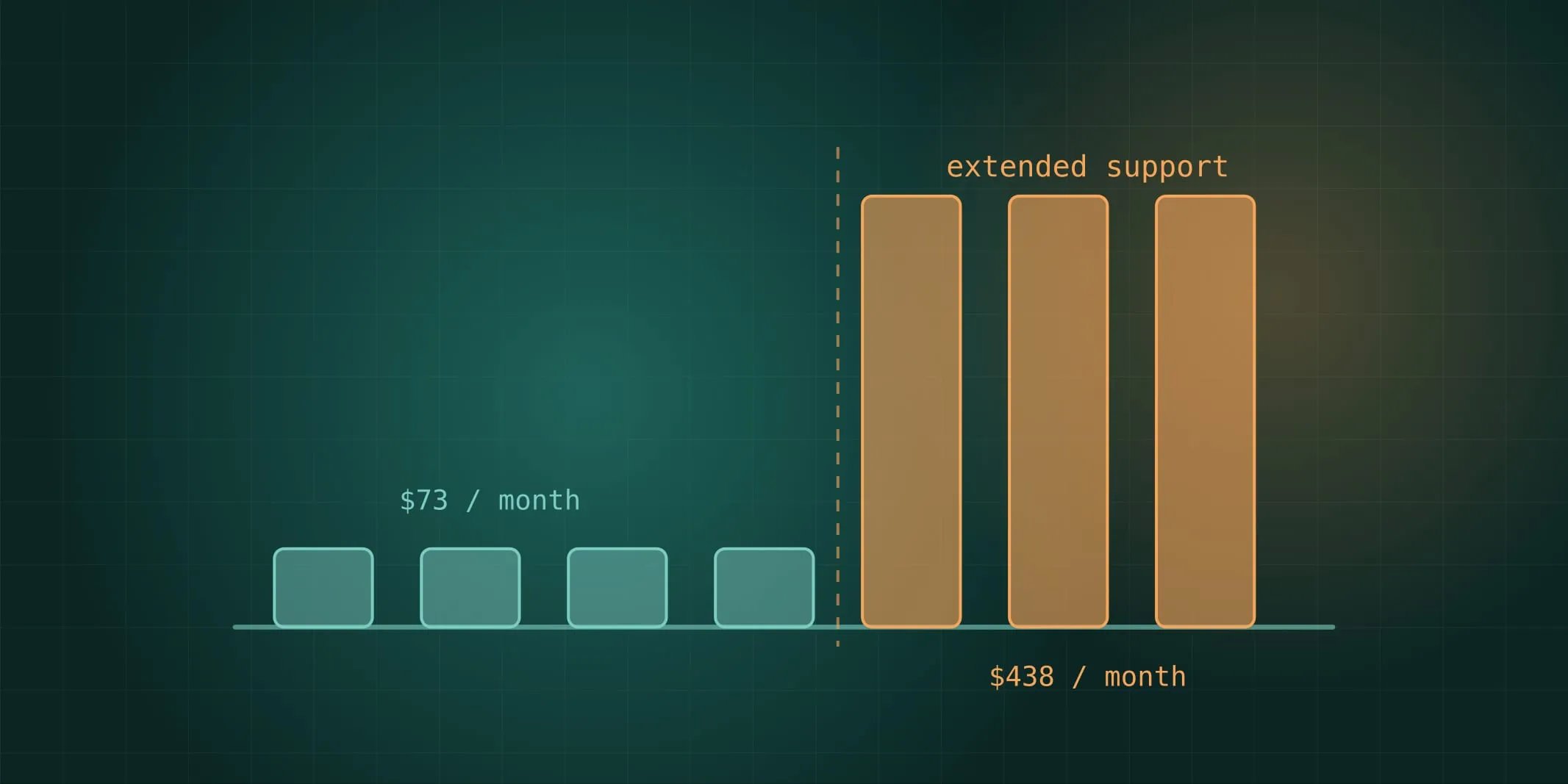
If your engineers run Kubernetes on AWS, there’s a date attached to every cluster. Fourteen months after a Kubernetes version is released, AWS stops supporting it as standard. The cluster keeps running. Nothing breaks. The price goes up by six times.
The numbers
| Standard support | Extended support | |
|---|---|---|
| Control plane, per hour | $0.10 | $0.60 |
| Per cluster, per month | about $73 | about $438 |
| Three clusters, per year | about $2,600 | about $15,800 |
That’s the control plane alone. It’s the same cluster, running the same workloads, with no new capability. Most teams have at least three clusters (development, staging, production), and plenty have more.
Extended support lasts another twelve months. At the end of it, AWS upgrades the cluster for you, on their schedule, whether or not your applications are ready.
Why teams end up here
Not through negligence. Kubernetes releases three times a year, and each upgrade is a piece of work that has to be done in order, one version at a time. A team that’s busy shipping product puts the upgrade off a sprint, then a quarter. By the time it’s urgent, the cluster is three versions behind, and three upgrades back to back is a project nobody wants to start.
The cost of falling behind isn’t only the fee. It’s that the eventual catch-up is bigger, riskier and lands at a bad time.
What the alternative looks like
Teams that never pay the fee aren’t doing anything clever. They upgrade each cluster roughly every four months, in the same order every time, with checks in their pipeline that tell them in advance what will break. Each upgrade is a small, routine piece of maintenance rather than a project. We wrote up the engineering side in EKS upgrades without the drama.
Getting to that point from three versions behind is usually two to four weeks of focused work, after which the ongoing cost is a day or two per cluster, three times a year.
Three questions to ask your team
- Which version is each cluster on, and when does it leave standard support? If nobody can answer from memory, that’s the finding.
- Is anything already on extended support? It shows as a separate line on the bill. Finance may have noticed before engineering did.
- What’s the plan to upgrade, and is it on the roadmap? “We’ll get to it” means you’ll be paying the fee.
If the answers are uncomfortable, the fix is well understood and not expensive. It’s much cheaper than the fee, and much cheaper than the forced upgrade at the end.