EKS upgrades without the drama
Why EKS upgrades keep sneaking up on teams, the order to do them in, finding deprecated APIs from CI on a private cluster, and what rolling back really means.
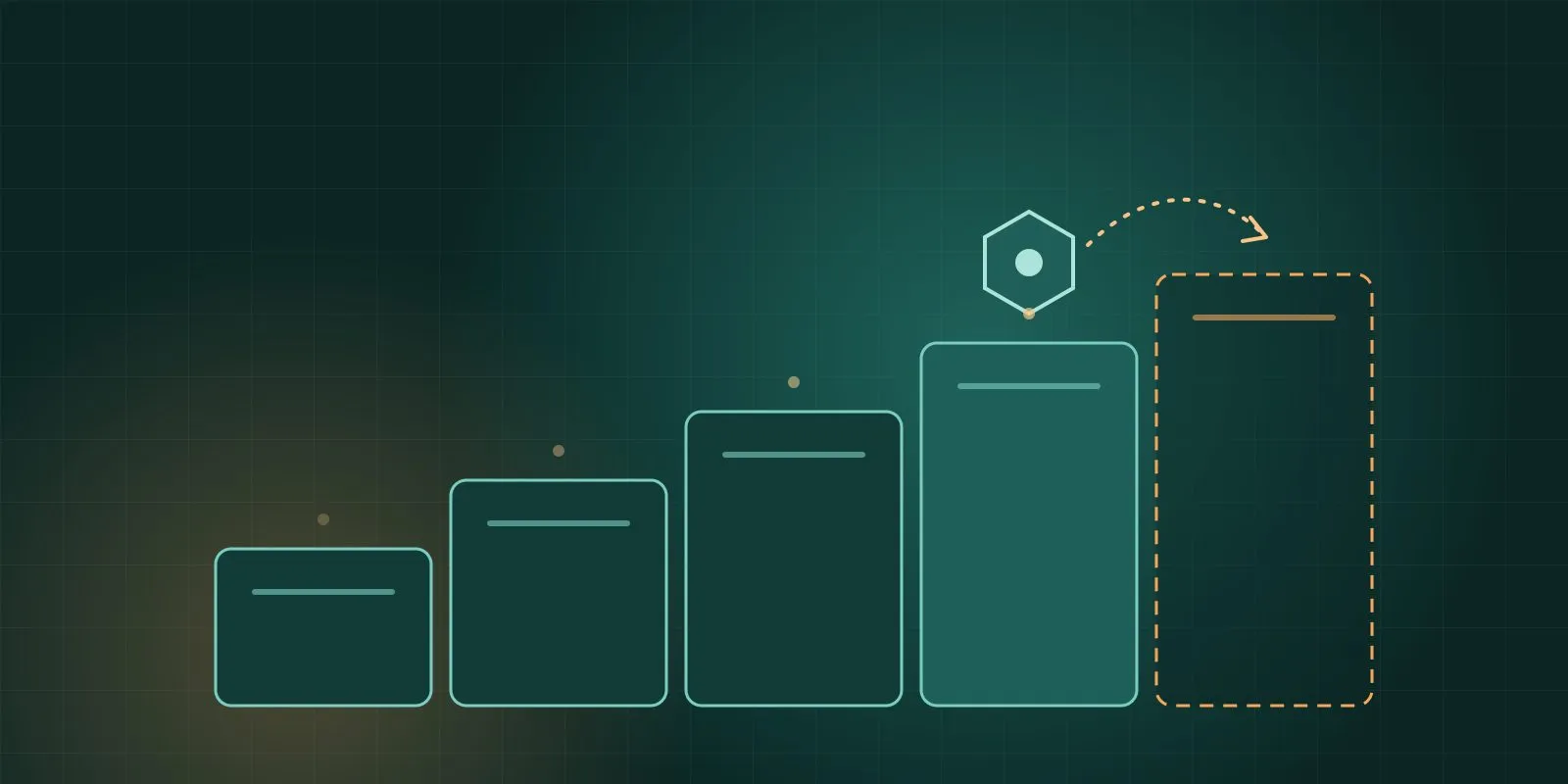
Kubernetes ships three minor versions a year. EKS supports each one for 14 months, and then for another 12 at six times the price. Upgrades never stop coming, and teams that treat each one as a project tend to fall behind, then pay for it.
This post covers how to make EKS upgrades routine. It builds on the private cluster from the first post in this series, which adds a twist: CI can’t reach the Kubernetes API, so the usual “run a checker against the cluster” advice needs rethinking.
Why falling behind is expensive
Every EKS version gets 14 months of standard support. After that it moves to extended support for another 12 months, and the control plane price goes from $0.10 to $0.60 an hour. That’s roughly $73 a month per cluster going up to $438. Across a dev, staging and production cluster, that’s over $13,000 a year spent on not upgrading.
At the end of extended support, AWS upgrades the cluster for you, whether your workloads are ready or not.
You can also choose to skip extended support. Set the cluster’s upgrade policy to STANDARD, and AWS upgrades it
automatically when standard support ends:
module "eks" {
  # ...
  upgrade_policy = {
    support_type = "STANDARD"
  }
}
That sounds alarming, but it’s a useful forcing function. It turns “we should upgrade at some point” into a date, and the date is always 14 months after the release. In practice, if you upgrade on a schedule you’ll never get close to it.
The other catch is that the control plane can only move one minor version at a time. A cluster that’s three versions behind needs three upgrades in a row, each with its own checks. Falling behind doesn’t just cost more. It makes the eventual catch-up much bigger.
The order matters
An EKS upgrade isn’t one thing. It’s at least four, and they have to happen in order:
- Things in the cluster that need to be ready for the new version. Workloads using APIs that the new version removes, and add-ons whose current version doesn’t support it.
- The control plane. This is the bit EKS does for you, and it can’t be undone.
- EKS add-ons: the VPC CNI, CoreDNS, kube-proxy and the Pod Identity agent. Each has versions built for each Kubernetes version.
- Nodes. Kubelets can run up to three minor versions behind the control plane, but never ahead of it, so nodes always go last.
Most upgrade incidents come from doing step 2 before step 1 is finished.
Step 1: find what will break
Deprecated and removed APIs
When Kubernetes removes an API version, anything still using it stops working: manifests fail to apply, and controllers that call the old API get errors. Finding these is the most important prep work.
The usual advice is to run pluto or kubent against the live cluster. On a private cluster, CI can’t do that. But there are two other angles that don’t need cluster access at all.
EKS upgrade insights come through the AWS API. EKS reads your cluster’s audit logs and flags any deprecated API that something has called in the last 30 days, along with which client called it. It also checks things like kubelet version skew and add-on compatibility. GitHub Actions can query it like any other AWS API:
  upgrade-readiness:
    if: github.event_name == 'pull_request'
    runs-on: ubuntu-latest
    steps:
      - uses: aws-actions/configure-aws-credentials@v6
        with:
          role-to-assume: ${{ vars.AWS_ROLE_ARN }}
          aws-region: eu-west-2

      - name: Check EKS upgrade insights
        run: |
          aws eks list-insights --cluster-name platform \
            --filter categories=UPGRADE_READINESS \
            --query 'insights[].[insightStatus.status, kubernetesVersion, name]' \
            --output table

          failing=$(aws eks list-insights --cluster-name platform \
            --filter categories=UPGRADE_READINESS \
            --query "length(insights[?insightStatus.status=='ERROR'])" --output text)

          if [ "$failing" != "0" ]; then
            echo "::error::$failing upgrade insight(s) failing. Fix them before upgrading."
            exit 1
          fi
Run it on pull requests that change kubernetes_version, and the PR can’t go green until the insights pass. Insights
refresh once a day, so after a fix it can take a while to clear.
Your manifests are in Git. With Argo CD, everything in the cluster comes from a repo. You can render your own charts in CI and check them without going near the cluster:
helm template ./my-app | pluto detect - --target-versions k8s=v1.36.0Between the two, you cover both what’s in Git and what’s actually calling the API, including things you didn’t deploy through Argo CD.
Add-on compatibility
Every controller you run has a range of Kubernetes versions it supports: the load balancer controller, cert-manager, External Secrets, Argo CD itself, and any operators your teams have installed. Check each one’s compatibility matrix before upgrading. Often the fix is to bump the chart version first, in its own pull request, while still on the old Kubernetes version.
This is where keeping chart versions in one values.yaml (as in the
Day 2 post) pays off. The list of things to check is one file.
Read the release notes
Read the EKS documentation page for the new version, and the Kubernetes changelog’s “Urgent upgrade notes” section. Most releases have nothing that affects you. Every so often there’s one that does, like the end of Amazon Linux 2 AMIs. EKS doesn’t publish AL2 images for Kubernetes 1.33 or later, so any node group still on AL2 had to move to AL2023 or Bottlerocket before it could upgrade.
Step 2: the control plane
With the EKS Terraform module, the upgrade is a one-line change:
module "eks" {
  # ...
  kubernetes_version = "1.36"
}
The control plane upgrade usually takes somewhere between 10 and 30 minutes. EKS replaces its control plane instances gradually, so the API stays available, though long-running watches may reconnect.
There’s a catch with managed node groups. By default they follow the cluster’s version, so the same apply that upgrades the control plane also starts rolling every node. For a small cluster that can be fine. For anything bigger, pin the node groups so the control plane and nodes go in separate pull requests:
  eks_managed_node_groups = {
    default = {
      kubernetes_version = "1.35" # bump in a follow-up PR once the control plane is done
      # ...
    }
  }
That gives you a point between the two where you can check everything still works before nodes start moving.
Step 3: EKS add-ons
Each EKS add-on has versions built for each Kubernetes version, and aws eks describe-addon-versions lists them. The
EKS module’s add-ons default to most_recent = true, so the coredns = {} entries from part 1 already move to the
latest compatible version when the cluster version changes.
That’s convenient, but it also means a plan can change add-on versions on a day you weren’t expecting to. If you’d
rather every change be deliberate, set addon_version on each one and bump them in the upgrade PR. This lists the
versions that work with the version you’re moving to, newest first:
aws eks describe-addon-versions --addon-name coredns --kubernetes-version 1.36 \
  --query 'addons[0].addonVersions[].addonVersion' --output text
kube-proxy is the one to keep in step with the control plane. It shouldn’t be newer than the control plane, and it shouldn’t be more than three minor versions older than it.
Step 4: nodes
Managed node groups replace nodes in a rolling update. A new node joins, then an old one is cordoned and drained. That drain is where most problems turn up:
- PodDisruptionBudgets that allow no disruption. A PDB with
maxUnavailable: 0, orminAvailableequal to the replica count, blocks the drain forever. Managed node groups give up after 15 minutes and fail the update. Find these before you start:kubectl get pdb -Aand look forALLOWED DISRUPTIONSof 0. - Single-replica workloads. They’ll have a short outage when their node drains. If that matters, they need a second replica, not a careful upgrade.
- Admission webhooks with
failurePolicy: Fail. If a webhook’s own pods are being rescheduled, every request the webhook covers fails in the meantime, which can include the pods needed to bring it back. Run webhook pods with at least two replicas and a PDB.
If you use Karpenter instead of managed node groups, nodes pick up the new AMI through drift detection and are replaced within the disruption budgets you’ve set on the NodePool. The same PDB problems apply.
Rolling back
You can’t roll back the EKS control plane. Once it’s on 1.36, it stays on 1.36. That’s worth saying clearly to whoever approves the change, because it changes what a rollback plan means:
- Add-ons can be rolled back. Revert the version and apply.
- Nodes can be rolled back. Point the node group back at the old version, or create a new node group on it. Kubelets can be behind the control plane, so old nodes will happily join.
- Workloads can be rolled back through Git, like any other change.
- The control plane can’t, so your rollback plan for it is everything in step 1. Test the upgrade on a non-production cluster first, and make sure the insights pass before you touch production.
There’s one more option for clusters where an upgrade really can’t go wrong: don’t upgrade in place. Build a new cluster on the new version and move traffic across. If your clusters are built like the one in this series, that’s a lot less work than it sounds. Terraform creates the cluster, the bootstrap installs Argo CD, and Argo CD installs everything else from Git. A new cluster is a new Terraform workspace and a DNS change. It’s more effort than an in-place upgrade, but it’s the only approach with a real rollback.
Making it routine
The teams that find upgrades painless aren’t doing anything clever. They upgrade often enough that each one is small:
- Pick a cadence and stick to it. With three Kubernetes releases a year, aim to upgrade each cluster roughly every four months. You’ll always be one or two versions behind the newest, which is a comfortable place to be.
- Upgrade non-production first, and leave a week or two before production. Most problems show up in that gap.
- Keep the checks in CI. Upgrade insights on every PR that touches
kubernetes_version, and pluto on every chart. - Write down what happened. A short note per upgrade (what broke, what you’d do differently) makes the next one faster, especially when it’s a different person doing it.
An upgrade that happens every few months, follows the same steps, and gets checked by CI isn’t a project. It’s just maintenance.